

Inkless Agency
Love it or hate it, Google leads more people to discover businesses than ever. While word of mouth isn’t dead, most people would rather type “food” on Google Maps than ask around for decent grub nearby. If you’ve been wondering how to put yourself on the map (literally) and appear in search results, we can walk you through how to add your business to Google.
First, Meet Your Google Business Profile
If you aren’t familiar with it, Google allows anyone to set up a free Business Profile. This is basically just a Google account, but for a business rather than an individual. It’s not a website, and it’s only used for Google applications like Maps.
Still, it’s a handy and important thing to set up. You can add important information to it, like your hours and locations, customize your profile picture, add additional photos for people to see, and even create some posts with it, like special promos.
How to Add or Claim Your Business on Google
You can add or claim your business on Google here, but we’ll walk you through some key steps in the process.
First things first, you need to create or sign in to your Google business account.
If your business isn’t on Google yet:
If you haven't created your own Business Profile yet, then you shouldn’t appear at all on Google. You’ll need to create that profile with the following information:
Business name (exactly as it appears)
Business category
Business address (if you have a physical location)
Does it provide deliveries or visits?
Contact info (phone number and website URL)
Verification method, such as a phone call, text message, email, manual verification, etc.
Our one tip here is to make sure your business information is consistent and accurate across the web. Your site should use the same name, address, phone number, etc.
If you haven’t claimed your business on Google yet:
If your business was already added to Google for some reason, it should appear as available for you to claim. It’s possible that someone else added your business for some reason, or that Google indexed your information from other sources on the web.
Claiming the business will also require a verification method. Verifying your Business Profile can take up to five business days, unless you use Google Search Console or bulk verification.
H2: How to Add Your Business to Google Maps
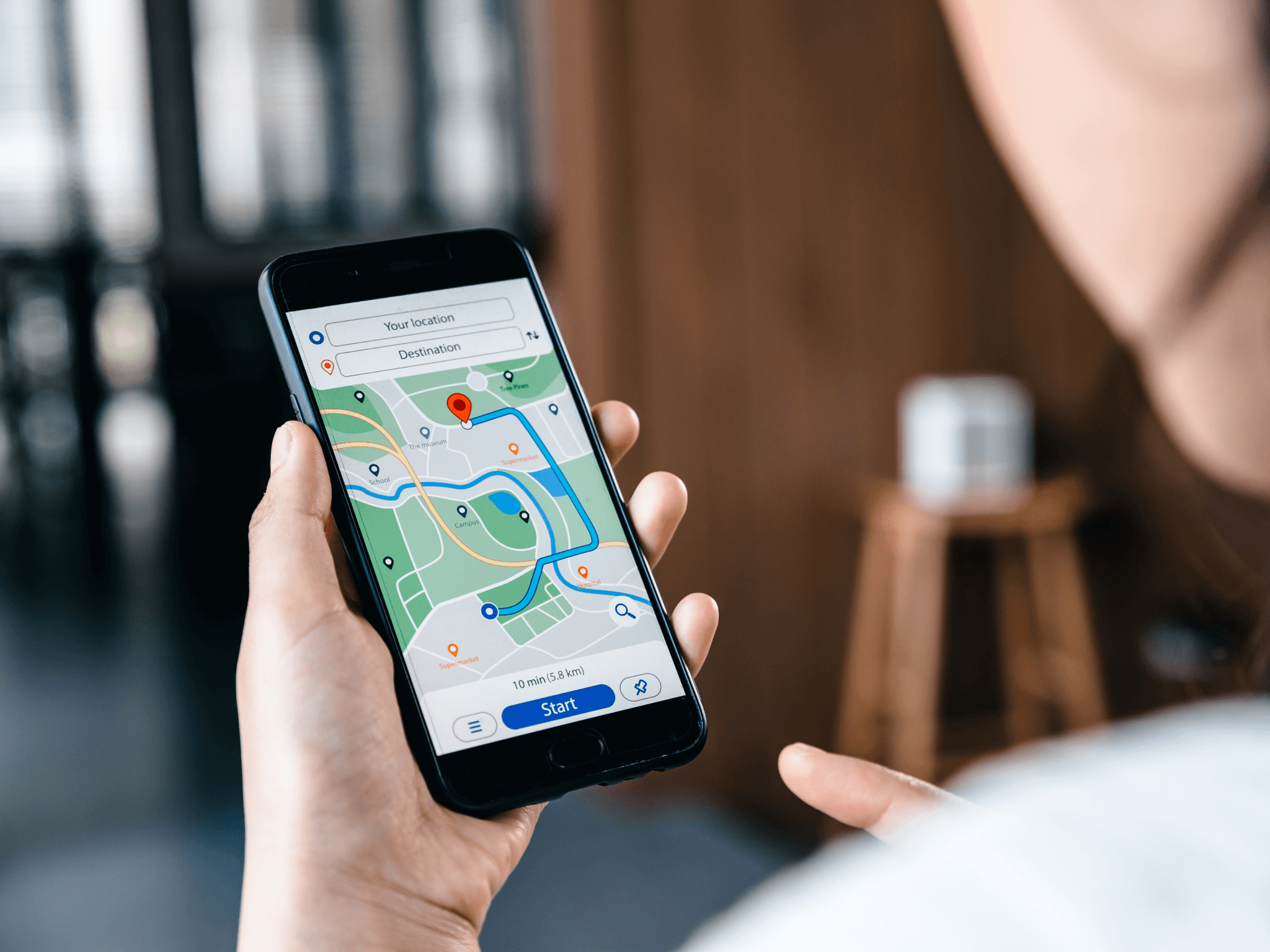
You can only add your business to Google Maps after you have verified your Business Profile. If you skipped the stuff before this and are wondering why this part won’t work, double-check you’ve added or claimed your business correctly first.
Step 1: Sign In to Your Google Business Account
If you’re signed into multiple Google accounts at once on your device, make sure you’ve switched to the actual Business Profile before continuing.
Step 2: Open Google Maps
This is probably self-explanatory, but it’s still important.
Step 3: Add or Claim Your Business
You can add your business now in one of these three ways:
Enter your address in the search bar.
In the Business Profile on the left, click Add your business.
Right-click anywhere on the map.
Then click Add your business.
Click Menu > Add your business in the top left corner of the screen.
Or, if it’s already appearing on Maps, you can claim your business by:
Searching for the business name
Choose the correct option that appears
Click Claim this business > Manage now.
Select a verification option and follow the steps on-screen.
The Next Step: Getting Your Business in Google Search Results
Maybe you’ve done all the other stuff, but you’re still scratching your head about how to add your business in Google search results. Unfortunately, ranking on the first page of Google can take some time and effort. We call this process search engine optimization (SEO).
With proper SEO, your site can and will appear earlier and more often in relevant Google searches. Here’s an overview of what good SEO entails:
Keyword Research. You have to find the right words and phrases to include on your website that will bring search traffic to you.
Content Planning. This means strategizing your content for better search engine traffic. It could mean a business blog, newsletters, social media posts, and any other content you want to publish online.
Technical SEO. This is basically the foundation of your website. Having a web developer can help make sure search engines are able to find, index, and understand what’s on your pages.
Off-page SEO. This could be meta descriptions for content, alt text for photos, or other bits and bobs that don’t necessarily appear for readers.
On-page SEO. These are actual words on the website content! Optimizing here means weaving in keywords naturally and writing good content that people will actually read.
While instant results from SEO changes are rare, it doesn’t mean your strategy is ineffective. It can take time to consistently appear in the search engine results, but the effort is worth the payoff.
Make the Most of Your Business on Google
Now that you know how to add your business to Google, it’s time for the next steps. If reading through the SEO portion made your eyes glaze over a bit, we understand. That’s why companies like Inkless exist: to help businesses focus more on what they love while we organically improve their search engine rankings.
We offer SEO content planning services across many industries and niches. We believe in the power and results of authentic, well-written content. If you’re interested in that as well, schedule a free consultation with us today.
End with a final CTA for our services that’s relevant to the article in question.
You have reached the end!
